CRMS · Reporting
Reports and documents from approved templates
Your application supplies the data, Reporting turns it into a document – as a preview, as a working copy or as final evidence that can still be verified years later.
Capabilities at a glance
The module
Reporting
A report that cannot say which template it came from is a file. A report with origin, seal and chain is evidence.
Inspection reports, quotes, analyses, project documentation: many business applications have to produce documents that look clean, exist in several languages and can later show what applied at a given point in time. Reporting takes care of exactly this part – from the template to the stored original.
Templates change only through new, immutable revisions, with multi-stage approval if you want it. Every document names the revision it was produced from. Final documents are stored encrypted, immutable and chained, and PDFs are sealed in addition. Output is available as HTML, PDF, Word, Excel, OpenDocument and CSV.
Capabilities
What Reporting does in detail.
Every capability has its own page, describing what it does in business terms and what it takes care of day to day.
Templates & levels
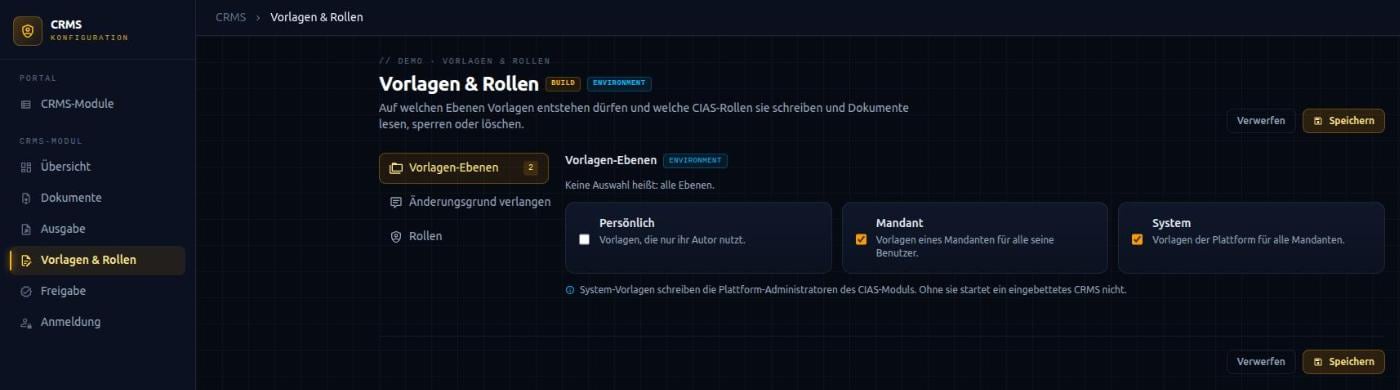
One template, three levels, any number of languages: platform, tenant and person can each keep their own version – the most specific one applies.
Learn moreTemplate approval
Multi-stage approval chains per level – with role, minimum number, four-eyes principle and, where needed, approval only with a second factor.
Learn moreProducing documents
One call returns the finished document – as a marked preview, as a working copy or as a final, stored original.
Learn moreOutput formats
HTML, PDF, Word, Excel, OpenDocument and CSV – with PDF profiles for long-term archiving and accessibility.
Learn moreEvidence & seal
Final documents are chained, anchored with a timestamp, stored immutably and sealed as PDFs.
Learn moreRetention & erasure
Fixed retention, legal hold for entire document chains and erasure that keeps the chains verifiable.
Learn moreAccess & sign-in
Role plus sign-in level: sensitive document types can only be opened or changed with a second factor or a recent sign-in.
Learn moreWorking together
Working with Data Management and Identity & Access
Reporting deliberately has no data source of its own. Your application reads the business data – from Data Management (CDMS), for example –, prepares it and hands it over together with the name of the template. Reporting does not fetch business data and does not change any. This keeps a clear line between who is responsible for the content and who is responsible for the document.
Identity & Access (CIAS) tells Reporting on every request who is asking, for which tenant and with which roles. This determines which templates a person sees, who may write and approve templates, and who may read, hold or erase final documents. Every revision, every approval and every final document names the person who triggered it.
Reporting runs either embedded in your application or as a service of its own that several applications use. It behaves the same in both cases. Which variant a project gets follows, when the system is assembled in the CodamAI Hub, from where you place the module.
Other modules
Does CodamAI fit your engineering setup?
The most honest way to find out is a technical conversation: about your stack, your delivery and the requirements you have to evidence.